Step-by-step guides for email conversion, migration, backup, and recovery.
An email viewer lets you open PST, MBOX, EML, and other archive formats without Outlook installed. Read-only access, full folder structure, complete headers — and the original file stays untouched.
Most people don't have email backup — they just have email. This guide covers what a dedicated email backup tool does, why Outlook's built-in export falls short, and how to run a complete backup in five steps.
Gmail doesn't read PST files directly — here's how to move your Outlook archive to Gmail with folder structure, contacts, and attachments intact.
Microsoft's PST import tools are built for IT administrators — here's how to move your Outlook archive to Office 365 with folder structure intact, whether you have admin access or not.
PST is a local file format and IMAP is a live server protocol — getting data from one to the other takes either Outlook as a bridge or a dedicated converter. Here is how to do it cleanly.
Thunderbird does not read PST files natively. Here is how to convert PST to MBOX and import it cleanly into Thunderbird, with folder structure, contacts, and attachments all covered.
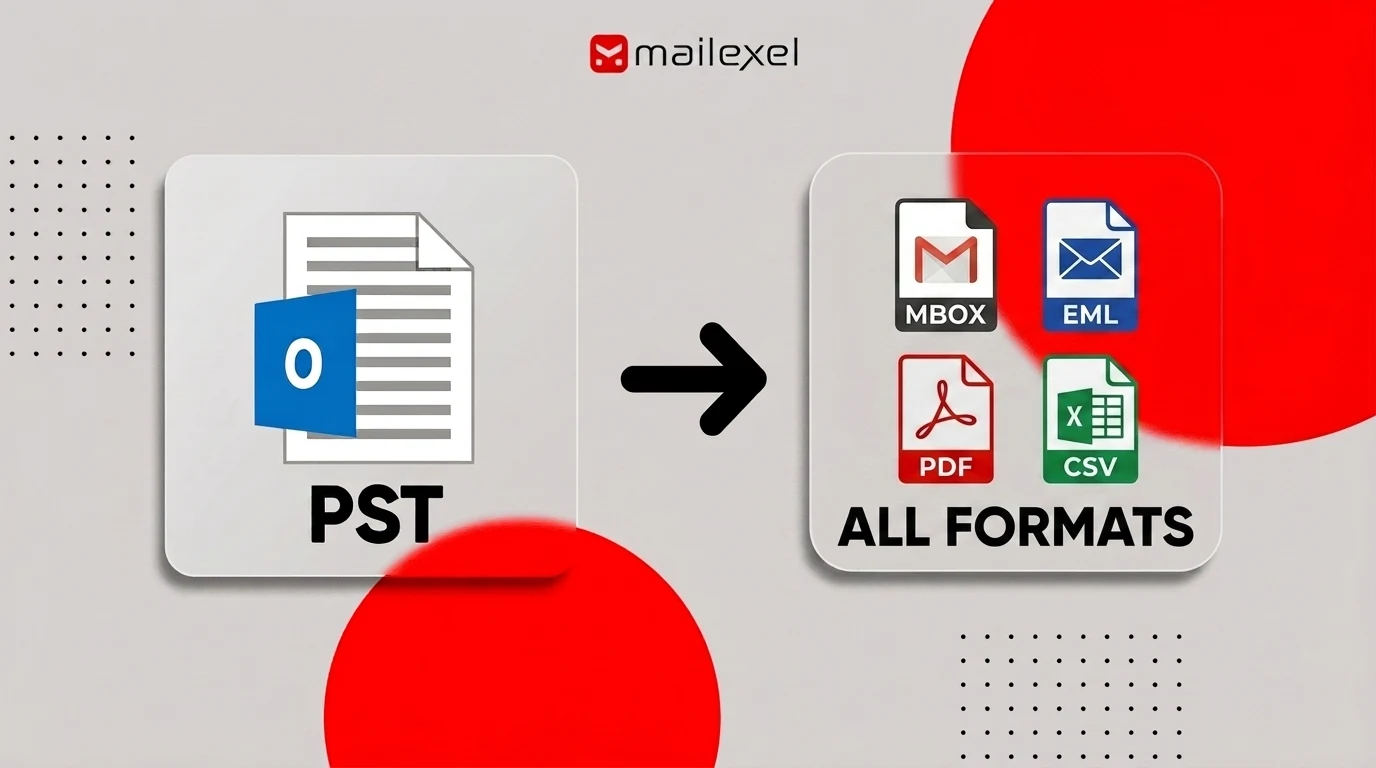
Learn what a PST file converter does, which output format fits your use case, and how to convert a PST in 5 steps. Covers what to look for in a converter and common fixes.
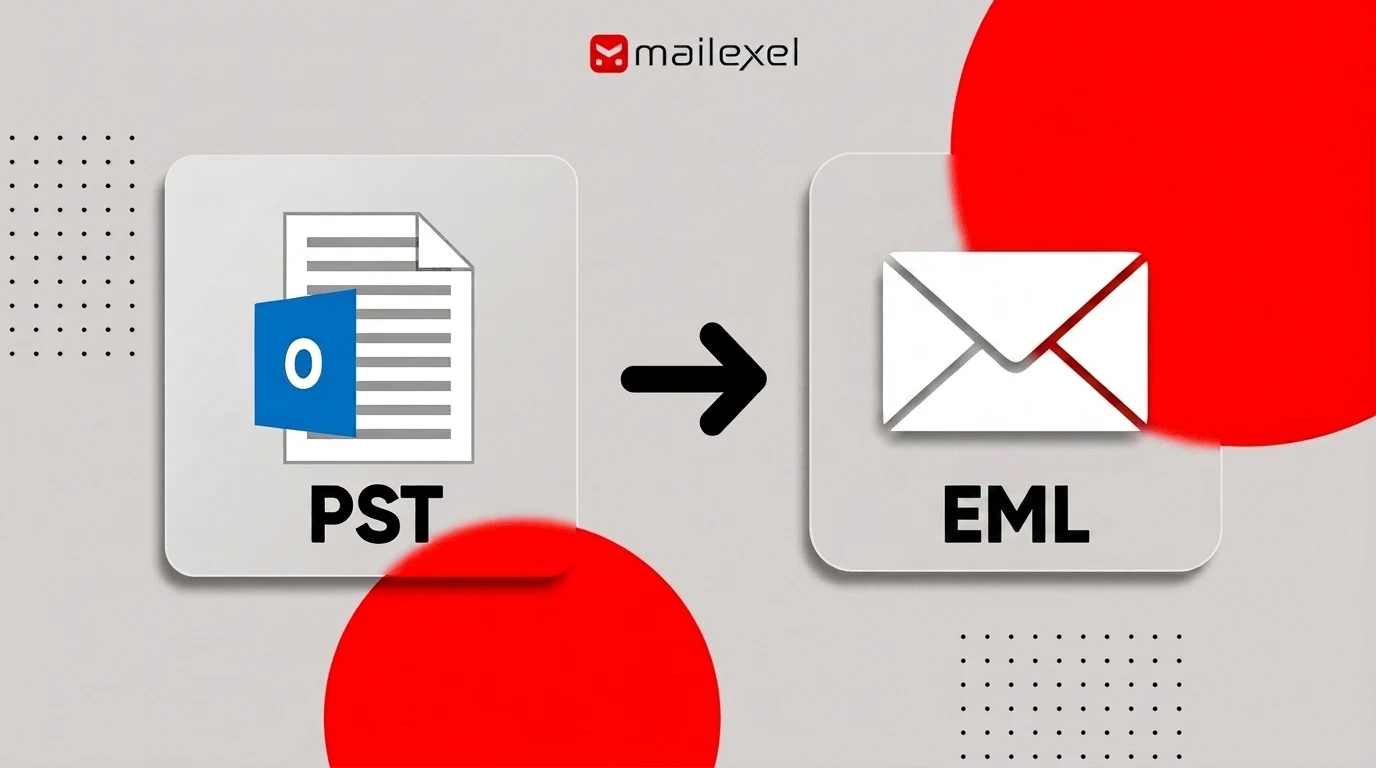
Learn how to convert PST files to individual EML files — one per email, ready for Thunderbird, Apple Mail, or any RFC 5322-compatible client. Covers drag-and-drop limits, the fast converter method, EML file structure, and common fixes.
